
myPDF
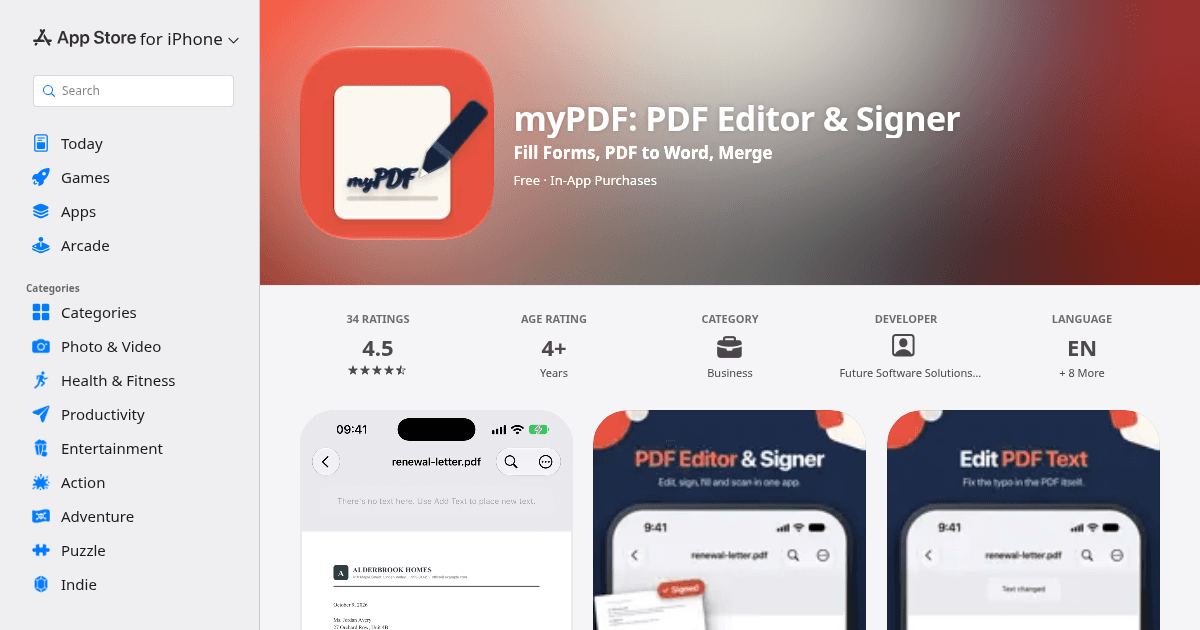
myPDF website
Discount / Deal
50% OFF Pro on iPhone, iPad and Mac, one-time purchase: $6.99 → $3.49 USD, prices vary by country. No code needed
The discount is available through
Product Overview
Edit PDF text, sign documents and fill out PDF forms on iPhone and iPad. Merge, compress, split, convert and scan to PDF in the same app.
myPDF is a PDF editor for the everyday stuff: the lease you have to sign tonight, the form that wants your address in tiny boxes, the scan that's too big to email.
EDIT THE PDF ITSELF
- Edit text: tap a line, fix the typo or the date, done
- Edit images: move, resize or replace a photo on the page
- Add pages from Files, Photos or a new scan
- Reorder, rotate, duplicate, extract or delete pages
- Watermark, plus Header & footer with page numbers: two tools, each with a live preview
SIGN AND FILL
- Draw your signature once or take it from a photo, then reuse it
- Fill out PDF forms: text fields, checkboxes, radio buttons and lists
- Add text anywhere on the page
- Sign it and send it back, no printer needed
SCAN TO PDF
- Scan documents, receipts and notes with edge detection, then crop, rotate and filter each page
- Save as a searchable PDF (OCR), so you can find and copy the text later
- Clean up shadows on scans
- Turn photos into a PDF
MERGE, SPLIT, COMPRESS, CONVERT
- Merge PDF files and pick the pages you need from each one
- Split a PDF into ranges or single pages
- Compress a PDF that's too big to email, with the text still selectable
- Word, PowerPoint, Excel and EPUB to PDF
- PDF to Word, PowerPoint, EPUB, plain text or RTF
PRIVATE DETAILS
- Redact: mark an area or search for a name or number.
- Passwords: lock a PDF with an open password, and add an owner password that limits printing and editing
- Sanitize: remove hidden metadata, scripts and attachments
- Secure Wallet: keep private PDFs behind Face ID or a PIN
READ AND MARK UP
- Highlight, underline, strike out, draw with your finger or Apple Pencil, add notes, stamps and links
- Search, bookmarks, table of contents and folders
- Night and Sepia reading modes, and the screen stays on while you read
CHAT WITH YOUR PDF Ask a long contract or manual a question and get the answer from its own text, with the page it came from. Tap it to jump there.
GOOD TO KNOW
- Signatures are drawn or taken from a photo. They are not certificate-based.
- Edit text works on PDFs that have real text. Scanned pages and some fonts can't be edited, and myPDF tells you when that's the case.
- Chat uses Apple Intelligence where it's available. Otherwise it needs a one-time download of about 1.6 GB, then it runs on your device.
- Password-protected PDFs work in the tools. Compressed and greyscale copies keep the password, split and merged files are saved without one.
Product Details
myPDF: PDF Editor & Signer App - App Store
Download myPDF: PDF Editor & Signer by Future Software Solutions S.R.L. on the App Store. See screenshots, ratings and reviews, user tips, and more apps like…
Recommended Products












This product was categorized under
And under the following subcategories